
• Skip to primary navigation
  • Skip to main content
  • Skip to primary sidebar
  • Skip to footer
Construction Viz

Construction Viz

Project Management Perfect

  • About
  • Features
  • Apps
  • Blog
  • Contact
  • Download Flyer
  • Get Started Today
  • Login
Show Search
Hide Search
Resource Tracking

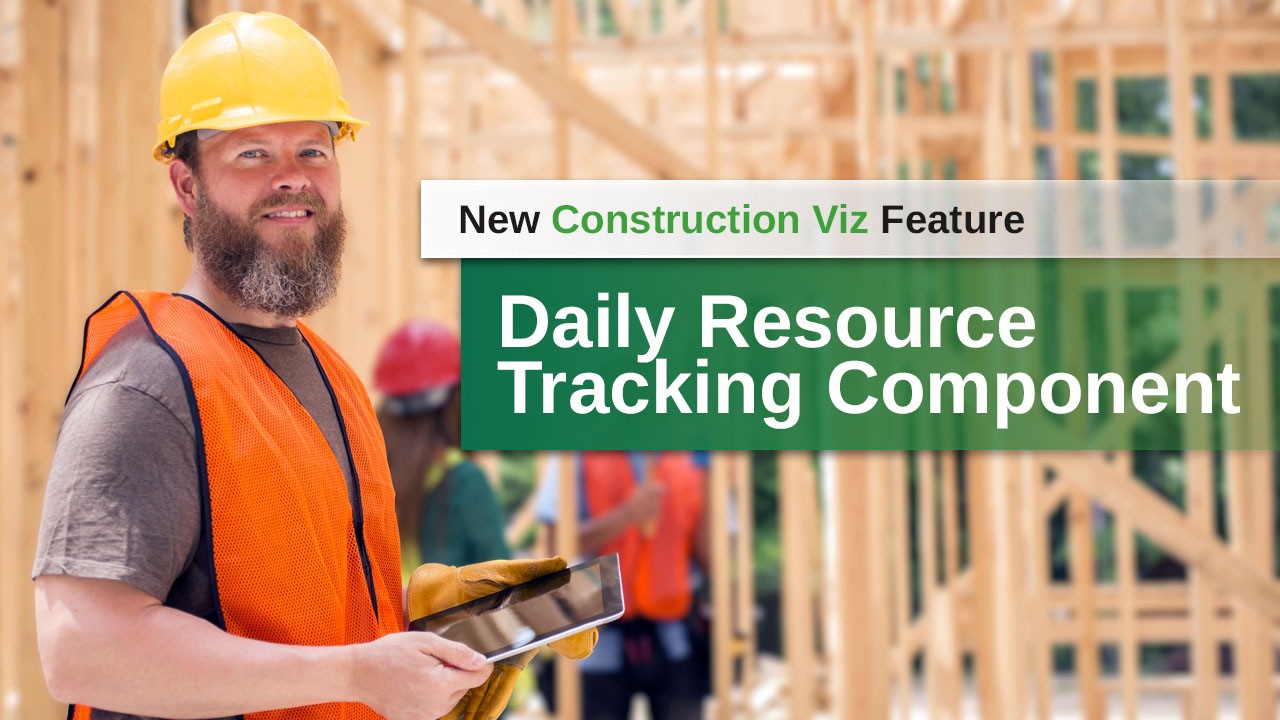
Introducing the New Construction Viz Daily Resource Tracking Component

October 15, 2025 Project Management

We are thrilled to announce the launch of our latest feature: the Daily Resource Tracking component. We designed this innovative tool to enhance the way you manage field resources with multiple cost codes, making productivity management in the field more efficient and effective.

Features of the Daily Resource Tracking Component

The Daily Resource Tracking component can be added to any form, allowing users to track resource productivity straightforwardly and intuitively. It simplifies the process of tracking resource hours with multiple cost codes, especially in the field and on mobile devices. This feature provides robust analytics for performance reporting, ensuring you have the insights you need to manage your projects successfully.

Key Features:

  • Ease of Use: The intuitive grid layout is familiar to users, making it easy to input data.
  • Efficiency: Minimizes data entry time by dynamically adding or deleting cost codes to every resource.
  • Flexibility: Responsive design ensures it works seamlessly on any device with a modern browser.
  • Comprehensive Reporting: Provides an interactive grid view of all resources by cost code for every day of the project. This detailed reporting is especially handy for contractor billing and ensuring your project stays on track, allowing you to see productivity by period, cost code, person, class, and project.

How Does It Work?

Once a project is set up with the correct companies, personnel, projects, and cost codes, users can fill out the Daily Resource Tracking component in any form. The process is simple:

  1. Select one or more people from a lookup.
  2. Choose one or more cost codes for the project.
  3. The component creates a row for every person and a column for every cost code.

Users can easily add hours for each resource in an interactive grid by cost code, similar to a spreadsheet. This method reduces data entry by dynamically adding or deleting cost codes and providing only one row per resource. It can also be combined with other components like equipment tracking and weather observations, creating a single form for all field data collection needs.

You can find out more about the Daily Resource Tracking component and many others by requesting a demo below.

Request a Free Demo

  • This field is for validation purposes and should be left unchanged.

Primary Sidebar

Join Our Newsletter

  • This field is for validation purposes and should be left unchanged.

Recent Posts

Forms | October 28, 2025

Perfecting the Questionnaire: Phase 4

Resource Tracking
Project Management | October 15, 2025

Introducing the New Construction Viz Daily Resource Tracking Component

Forms | August 27, 2025

Form Analytics on Steroids With the New Form Details View

Footer

About Constructon Viz

Construction Viz is a flexible construction project management software solution powered by Microsoft SharePoint and SQL.
Read More >

Navigation

  • Home
  • About
  • Features
  • Apps
  • Blog
  • Contact
  • Login

Apps

  • Construction Viz Hub
  • Cost Report
  • Drawing Management
  • File Manager
  • GIS Maps
  • Oracle Primavera 6
  • Payment
  • Specification Management

–

  • Project Forms
  • Project Planner
  • Project Scheduler
  • Project Tracker
  • Task Manager

Connect with Us

  • This field is for validation purposes and should be left unchanged.
  • Sign up to receive helpful tips for construction project managers as well as updates about Construction Viz.

Lydon Solutions

© Lydon Solutions

  • Privacy
  • Cookies
  • Terms of Use
  • Disclaimer
  • End-user license

Click here to start a Microsoft Teams chat.

Click here to start a Microsoft Teams chat.

Contact Us
This field is for validation purposes and should be left unchanged.
Name(Required)
Join Our Newsletter

Sign up to receive helpful tips for project managers and updates about Construction Viz.

Get Started

Join Our Newsletter

Sign up to receive helpful tips for construction project managers as well as updates about Construction Viz.

  • This field is for validation purposes and should be left unchanged.
  • This site is protected by reCAPTCHA and the Google Privacy Policy and Terms of Service apply.