
Linked apps, where have you been?
The new linked apps feature in Construction Viz allows creating any form within another form, like an action item within a meeting minute form or a change request in a risk form. Find out how this new feature can save time and improve your overall document control processes.
A need based on common real-world scenarios
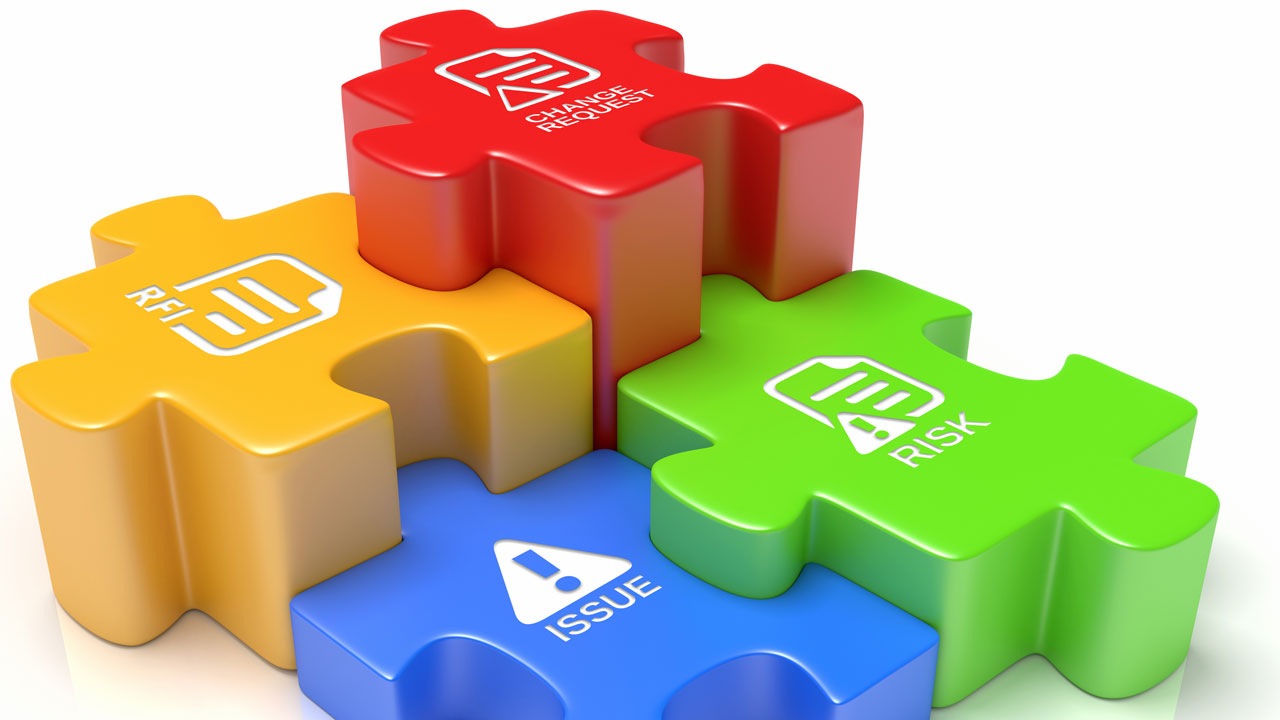
If you think about the evolution of a change on a project, it might start with an issue, move to risk, get added to an RFI, and finally move to a change request to implement the change. Typically, these are all separate forms, but they are all part of an interrelated process to document and disposition a project change.
Taking a step back and looking at the entire change process, each form builds on the prior, from inception to implementation. Additional details, further justification, subsequent approvals, etc., are added at each stage of the change lifecycle.
If you can relate these separate processes together, project teams can streamline the process and build an audit trail to support the justification of the change.
Enter Construction Viz’s linked apps
With the new Construction Viz connected apps feature, you can create one or more form apps within another. For example, if you are filling out a risk form and want to generate a related change request, you can add the change request form linked component to the risk form settings.
When a user completes a risk form, the new component will show a window into the change request app where they can create one or more change requests without ever leaving the risk form. And the change request will automatically link back to the risk form and vice versa.
This functionality can be added to any form, creating a one-to-many relationship so that an entire process can be automatically related.
Linked apps are just one of the many features we have added to Construction Viz to enhance information management on a project further. You can request a demo of Construction here.
Not ready to move to an enterprise construction management system or need help with Microsoft 365? You can request a free 1-hour Microsoft 365 consultation request with our experts here.
Webinar - September 7, 2023, 11:00 AM PST
Participate in this interactive session to share your challenges and learn more about Construction Viz for Microsoft 365.
