Turn Schedule Data into Interactive Reports with Construction Viz and Copilot AI
With its structured data foundation, Construction Viz makes it simple for construction teams using Primavera P6 (or any schedule tool that can export activities to Excel) to bring schedule data into SharePoint and use Microsoft AI to create interactive reports.
By combining Construction Viz's Bulk Import feature with a custom SharePoint AI Skill, teams can generate branded schedule reports and run them from a button on a SharePoint page.
Read on for more details on this powerful, time-saving workflow and check out the video below to see it in action.
Bring Schedule Data into SharePoint with Bulk Import
Construction Viz's Bulk Import feature allows teams to import P6 schedule activities into a SharePoint Schedule list. Activity IDs, planned dates, actual dates, and other schedule details are stored as separate metadata fields.
This structure makes schedule information available for AI-assisted reporting within the team's Microsoft 365 environment.
Create a Schedule Report with a SharePoint AI Skill
The next piece of the solution is a custom SharePoint AI Skill that generates a robust schedule report from the imported data.
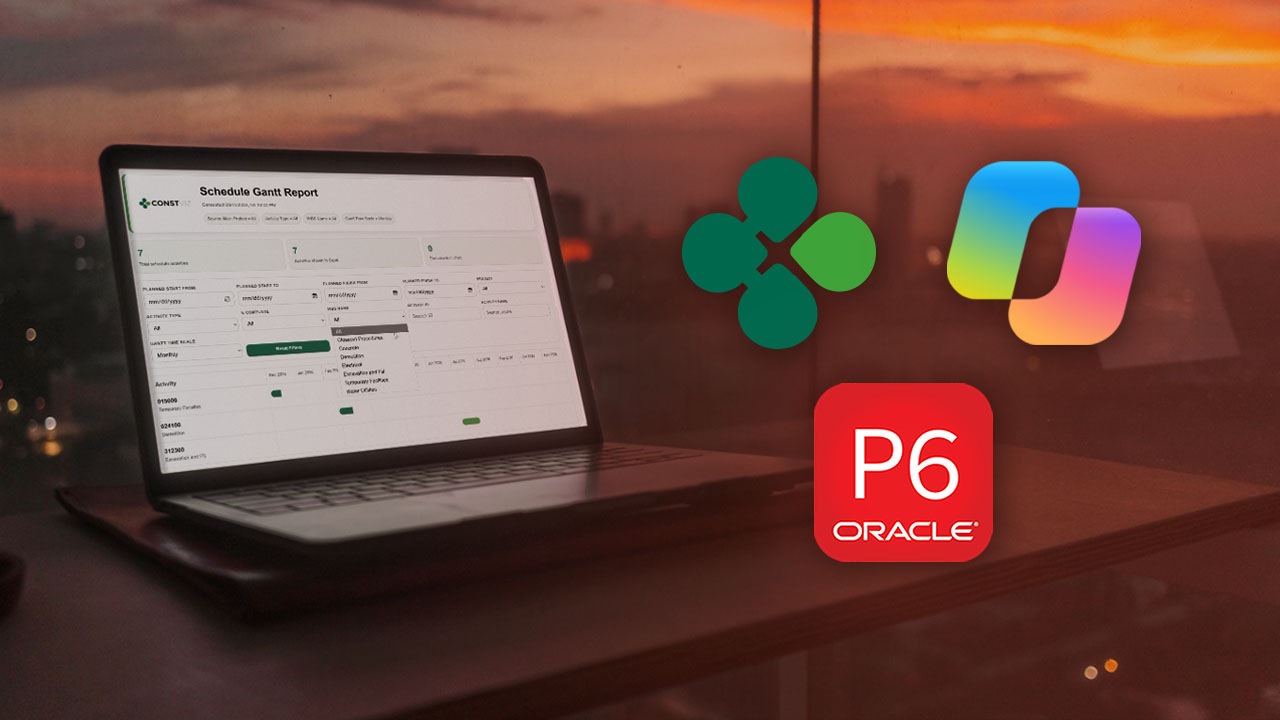
For example, the Schedule Report Skill can produce an interactive HTML Gantt chart with filters. Users can adjust the view and explore schedule information, while client logos and theming give the report a familiar, consistent appearance.
Saving the reporting instructions as a Skill gives teams a repeatable way to consistently generate the report without entering the prompt each time.
Run the Report from a SharePoint Page
You can even add a Copilot Skill button to a SharePoint page to run the Schedule Report Skill. The button puts reporting within easy reach of project managers and project controls staff, alongside the project information they already access.
Your Data. Your Microsoft 365. Your Control.
Construction Viz is designed around a simple principle: your project data should remain under your organization's control. Project information is stored in the client's Microsoft 365 SharePoint environment, eliminating the need for a separate third-party data repository.
Construction Viz AI Skills, Agents, and generated HTML reports are also delivered within the client's Microsoft 365 environment, allowing organizations to extend AI across project information while maintaining their existing Microsoft security and governance framework.
Get More from Microsoft 365 and Construction Viz
We designed Construction Viz to make construction teams' work easier. The workflow described in this blog post is another example of how Lydon Solutions helps construction organizations get more value from their Microsoft 365 investment by building solutions around how project teams work.
Visit LydonSolutions.com to learn more about Clover AI, our AI platform tailored for Construction Viz, to search, analyze, and create HTML reports on the underlying SharePoint layer.