
“Viz-ualize” Your Construction Schedule with the Construction Viz Schedule App
Summary: The Construction Viz Schedule App helps construction teams make schedule data more visible, collaborative, and reportable within Microsoft 365 and SharePoint, without replacing existing tools such as Excel, Microsoft Project, or Primavera P6.
Most construction organizations already have established tools and processes for managing project schedules. For many teams, that means using Excel-based Gantt charts, Microsoft Project Desktop, Oracle Primavera P6, or a combination of all three.
These tools are deeply embedded in construction project workflows, and replacing them is rarely simple or practical.
That is why the Construction Viz Schedule App is designed to enhance how teams collaborate around schedule data, not force them to abandon the systems they already use.
A More Connected Way to Manage Schedule Data
Construction schedules are only useful when project teams can access, review, update, and act on them. But in many organizations, schedule information still lives in separate files, desktop applications, or disconnected systems.
That fragmentation can make it difficult to keep teams aligned across scope, schedule, and budget.
“Construction Viz allows organizations to leverage their existing Microsoft 365 infrastructure while improving visibility and control across projects.”
Construction Viz helps solve this by providing a centralized Microsoft 365-based platform where project information can be organized, shared, and reported on in one connected environment. Built on SharePoint, Construction Viz allows organizations to leverage their existing Microsoft 365 infrastructure while improving visibility and control across projects.
Introducing the Construction Viz Schedule App
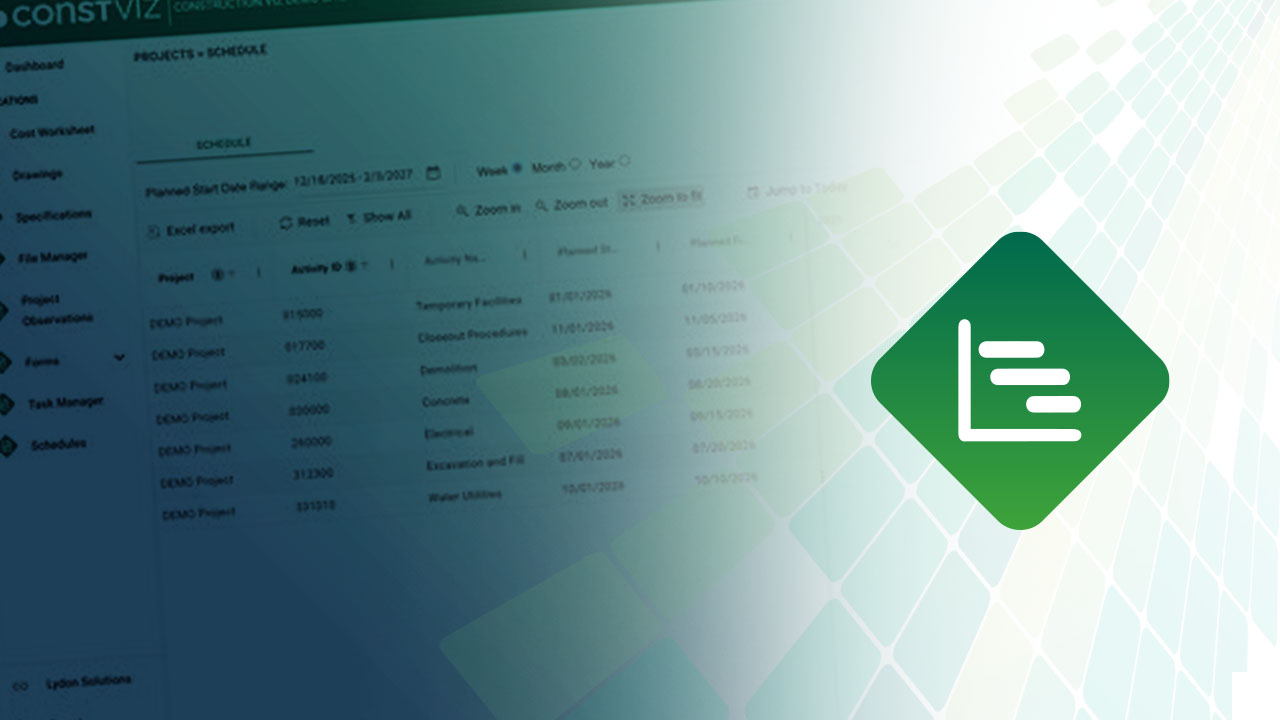
The Construction Viz Schedule App brings schedule data into a dynamic Gantt chart experience, making it easier for teams to view, share, and collaborate on project schedules.
Instead of creating another disconnected scheduling tool, the Schedule App supports a more practical approach: keep using the scheduling systems your teams already rely on, while making schedule data more visible and useful across the project environment.
Key capabilities include:
“The Schedule App supports a practical approach: keep using the scheduling systems your teams already rely on, while making schedule data more visible and useful across the project environment.”
- Gantt chart view of activities for a clear visual representation of project schedules
- Bulk import from Excel or CSV to quickly bring in existing schedule data
- Recurring updates to help keep schedule information current with minimal effort
- Centralized storage in SharePoint Lists to support Power BI reporting and future Copilot insights
- Audit-ready document management, with uploaded files stored in SharePoint libraries for versioning and traceability
Improve Scheduling Visibility Without Disrupting Existing Workflows
The goal of the Construction Viz Schedule App is not to replace Excel, Microsoft Project, or Primavera P6. Instead, it gives teams a better way to collaborate around schedule data within Microsoft 365 and SharePoint.
By centralizing schedule information in Construction Viz, organizations can improve transparency, reporting, and coordination across projects without disrupting existing tools and processes.
“For construction teams looking to get more value from Microsoft 365, the Schedule App provides a practical step toward more connected project management.”
For construction teams looking to get more value from Microsoft 365, the Schedule App provides a practical step toward more connected project management.
Interested in learning more about the Construction Viz Schedule App or the broader Construction Viz platform? Use the form below to request a demo.
Lydon Solutions also offers a complimentary one-hour consultation to help construction and engineering organizations make better use of Microsoft 365 for project management.
